

Information is everywhere. Notes, files, conversations live across different tools.
Slate brings everything together into one intelligent workspace.
Smart features for
everyday notes
Everything you need to capture, organise, and access your ideas — beautifully simple.

Folders & Smart Tags
Keep everything sorted with nested folders and colour-coded tags. Find anything.

iCloud Everywhere
Your notes sync instantly across devices. Always there, always in sync, always offline-ready.

Search Everything
Search by keyword, tag, folder, or date. Natural language search that understands what you mean.
From idea to action in seconds.
Choose how you want to work. Slate adapts to your workflow, not the other way around.

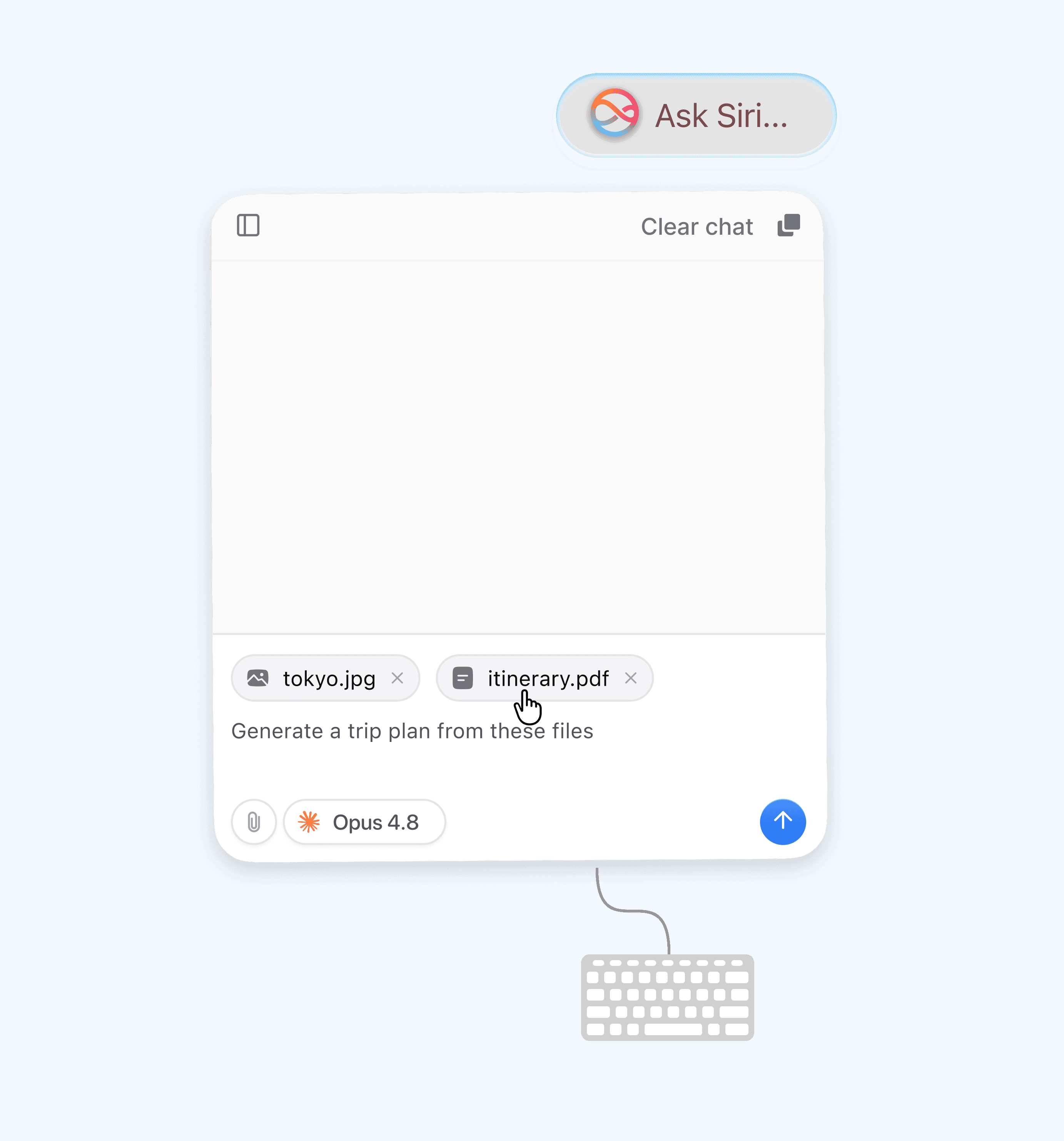

AI that reads
your notes
Not a generic chatbot. Slate's AI reads across every note you've written and connects the dots for you.

Up and running
in three steps
From install to first AI-powered note in under two minutes.
Step 01


Download and sign in
Install Slate from the Mac App Store. Sign in with your Apple ID and all your existing iCloud notes sync automatically.
Step 02

Write Your Notes
Use Quick Capture for instant ideas, or the rich editor for longer writing. Organise into folders and tag as you go.
Step 03

Ask the AI Anything
Open the AI panel and ask across all your notes. Summarise, plan, connect — save the answer as a new note in one tap.
Honest pricing,
no dark patterns
No hidden limits, no sudden paywalls mid-sentence. Start free, upgrade when it clicks.
Free
Pro
Notes
Up to 50
Unlimited
AI queries
10/month
Unlimited
Cross-note AI
—
PDF & image
—
Note linking & backlinks
—
Future updates
Limited
While subscribed
What people actually say
From students to founders, solo writers to startup teams — slate fits the way real people think.

Sara Jones
Creative Director
"The morning routine streak tracker in my notes has kept me consistent for 14 days. The AI spotted that I perform better on days I journal before meditating — from my own words."
Does Slate work on iPhone and iPad too?
Yes. Slate works on iPhone, iPad, Mac, Apple Watch, and widgets, with real-time iCloud sync and device-optimized experiences.
Can i import my existing notes from other apps?
Yes. Apple Notes sync automatically through iCloud. Import from Notion, Obsidian, Bear, Markdown, HTML, and text files in a few clicks.
Does it work offline?
Absolutely. Write, edit, and search offline. Notes sync automatically when you’re back online. Only cloud AI features require internet.
What does a 14 day free trial of pro include?
Everything. Enjoy unlimited notes, AI features, PDF analysis, and note linking for 14 days. No credit card required.
Can i export my notes if i decide to leave ?
Always. Export notes as Markdown, PDF, HTML, or text with no limits, restrictions, or lock-in. Your data stays yours.


